The call log page in Frappe CRM is for recording, tracking, and managing all your customer calls. It helps you to maintain a clear history of interactions, improve communication effectiveness, and gain valuable insights for better customer relationships.
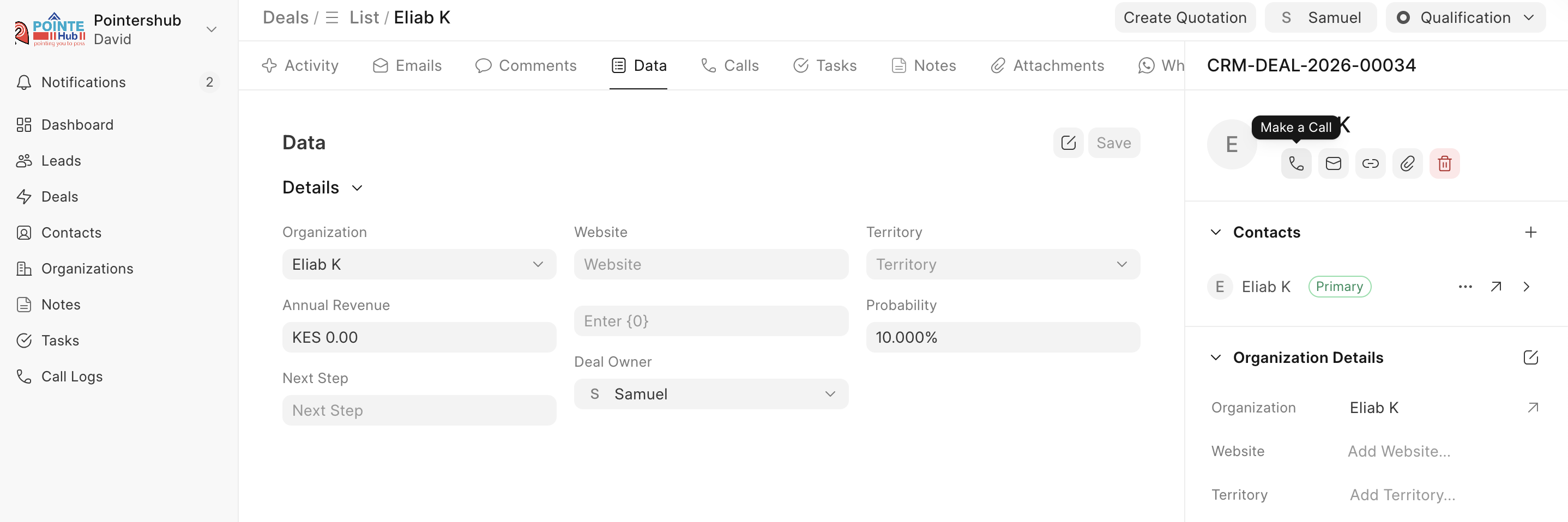
Make a call
- You need to go to a Deal/Lead page
- You can make a call by clicking on the call icon in the lead details section or the activity tab by clicking on new and then making a call.
Once your call is done you can check in the Calls tab to track all the call activity made to a Lead/Deal
Last updated 4 months ago
Was this helpful?